Understand the change. Act on what matters.
Angada brings review findings, codebase context, and a clear next step into the pull request.
Inside a review
From first signal to finished fix.
Explore the review details, codebase context, and next steps Angada brings together.
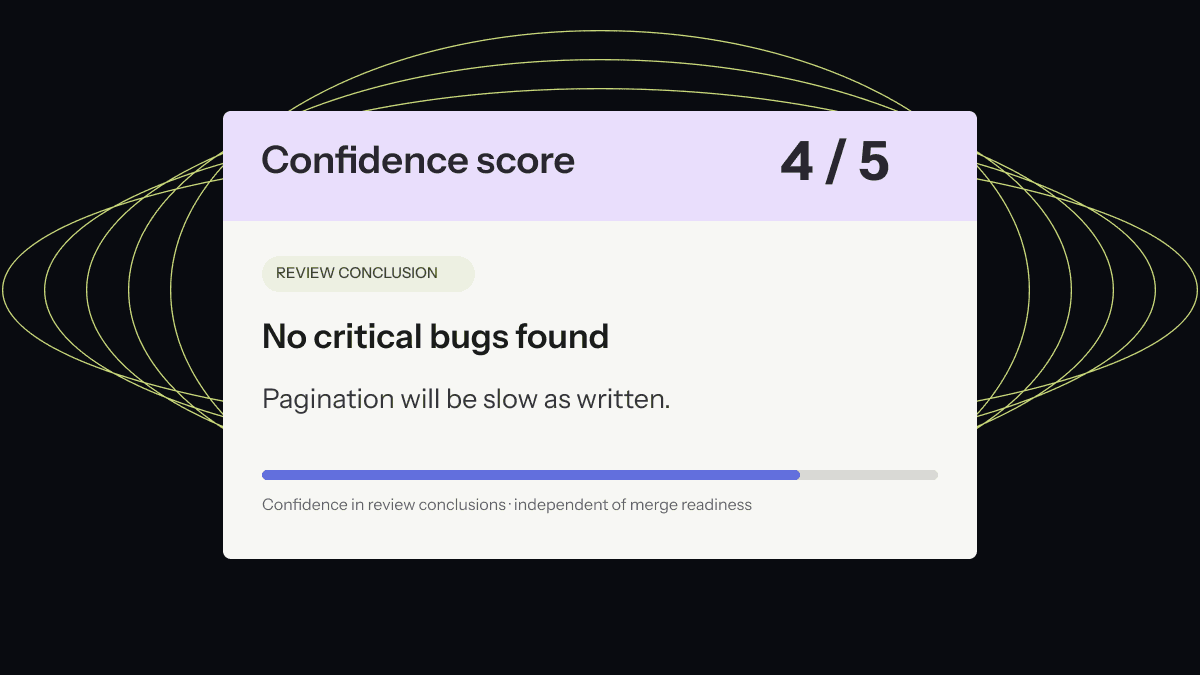
Confidence scores
See how confident Angada is in its review conclusions on a 1–5 scale.
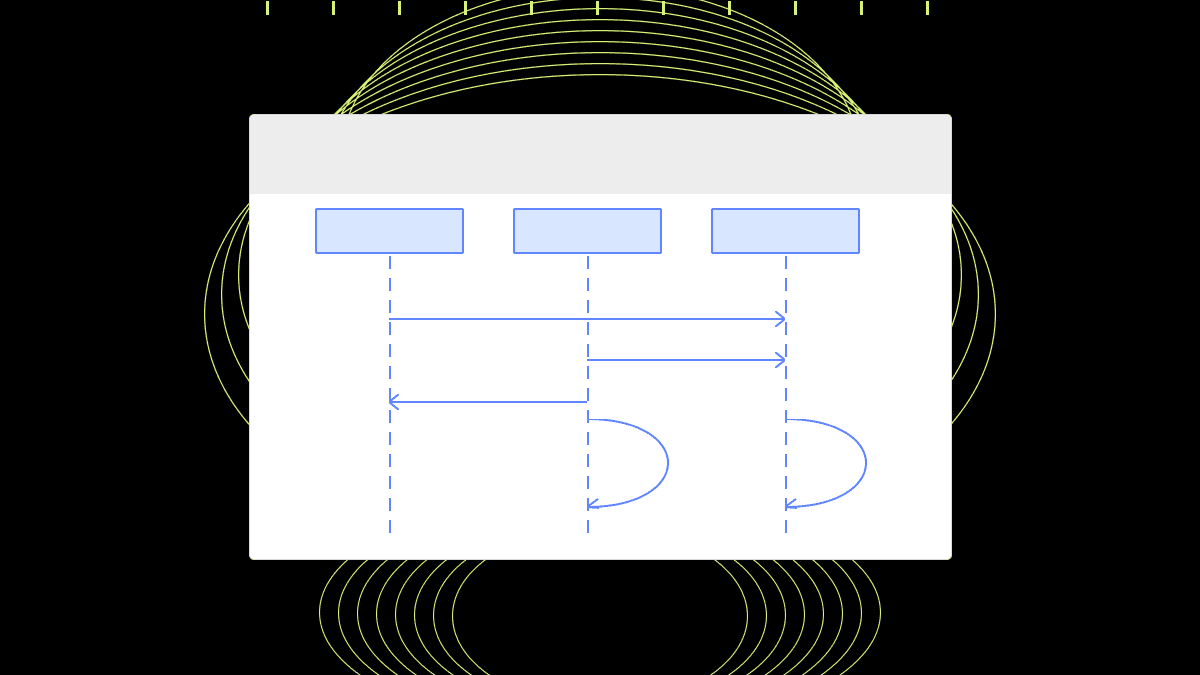
Diagrams
Preview the architecture and data flow diagrams Angada is developing for PRs.
PR summary
Preview a concise overview of the changes and review findings.
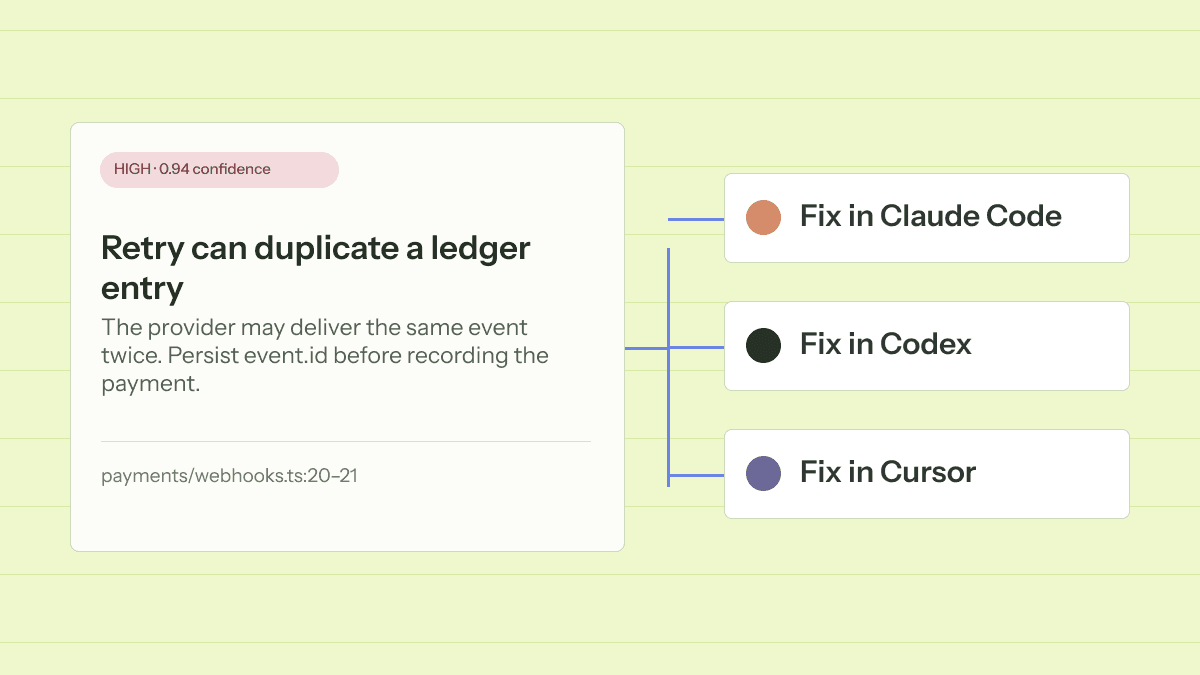
Fix in Claude / Codex / Cursor
Take the finding and its context into your preferred coding agent.
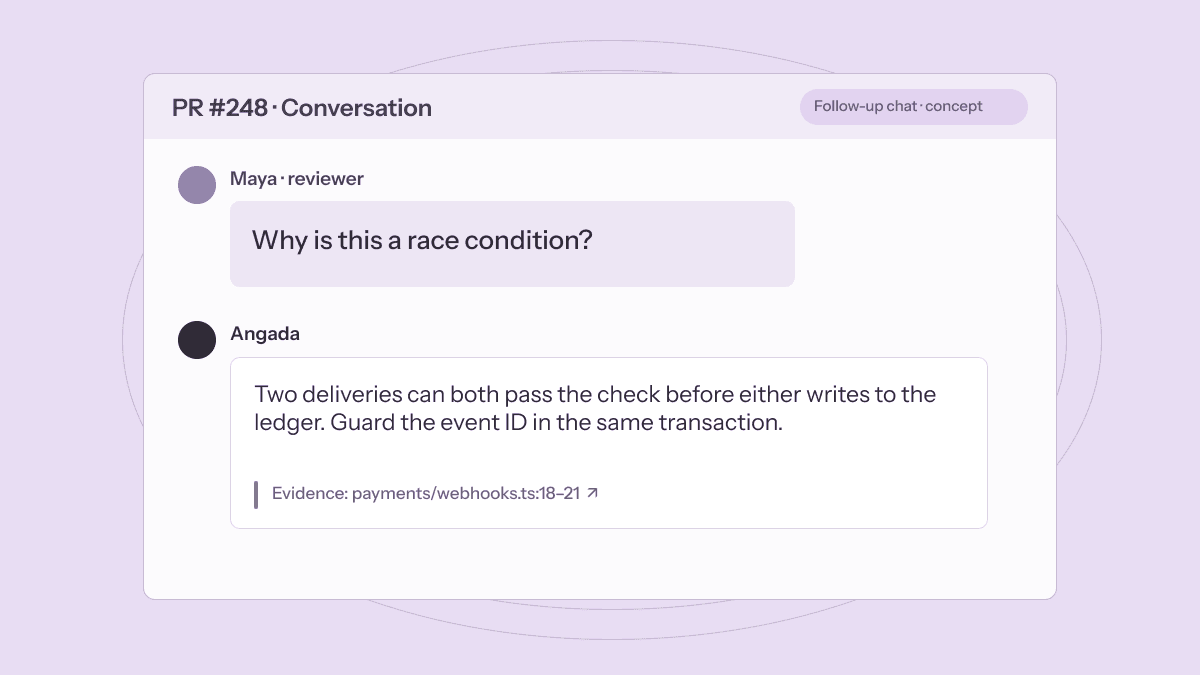
Chat with angada
Ask follow-up questions about findings with answers linked to code evidence.
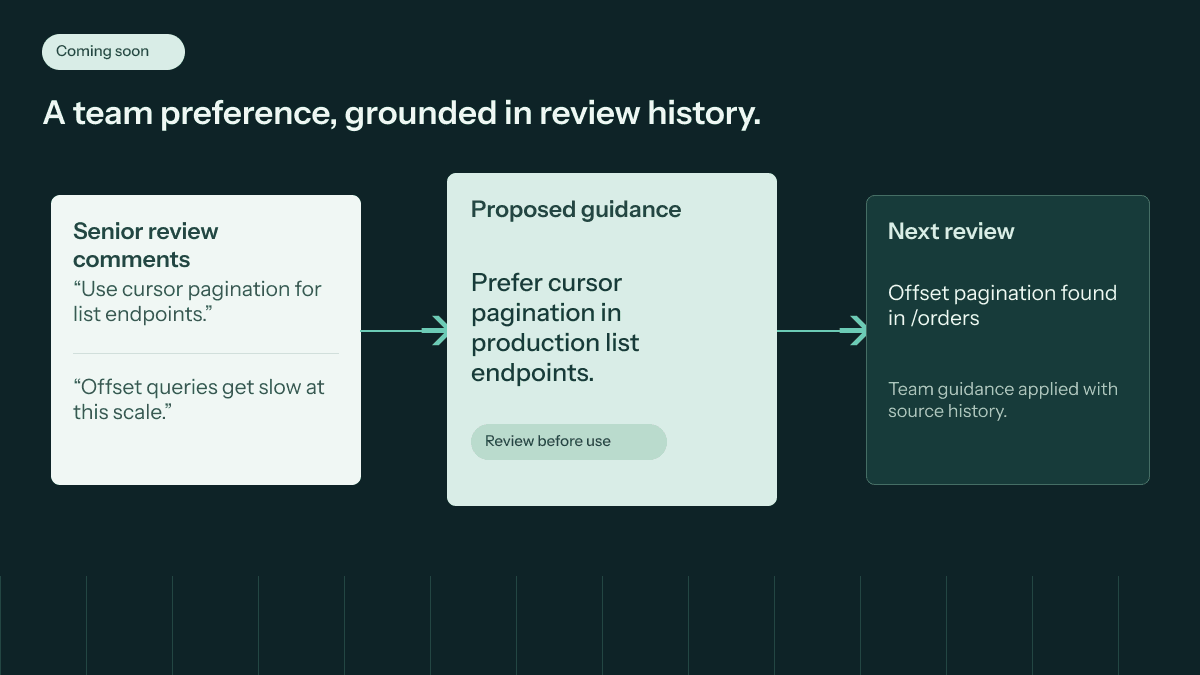
Learns from your senior engineers
Bring your senior engineers’ review standards into future pull requests.
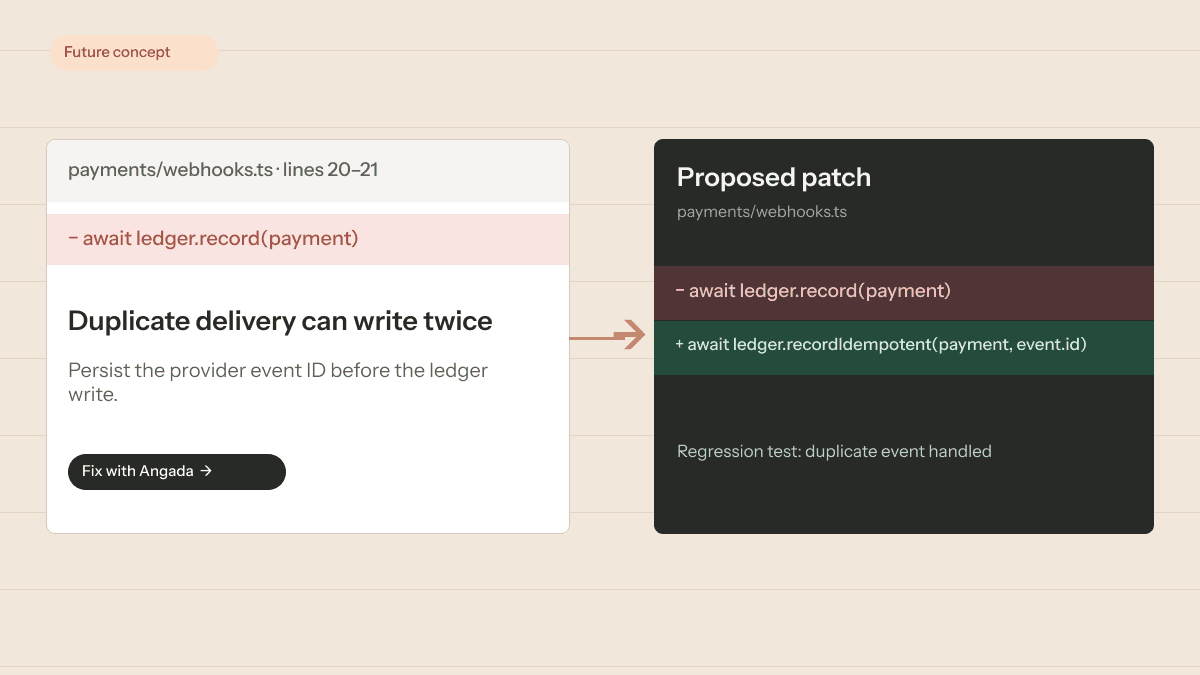
Fix with angada
Preview a proposed code patch and regression test for a review finding.
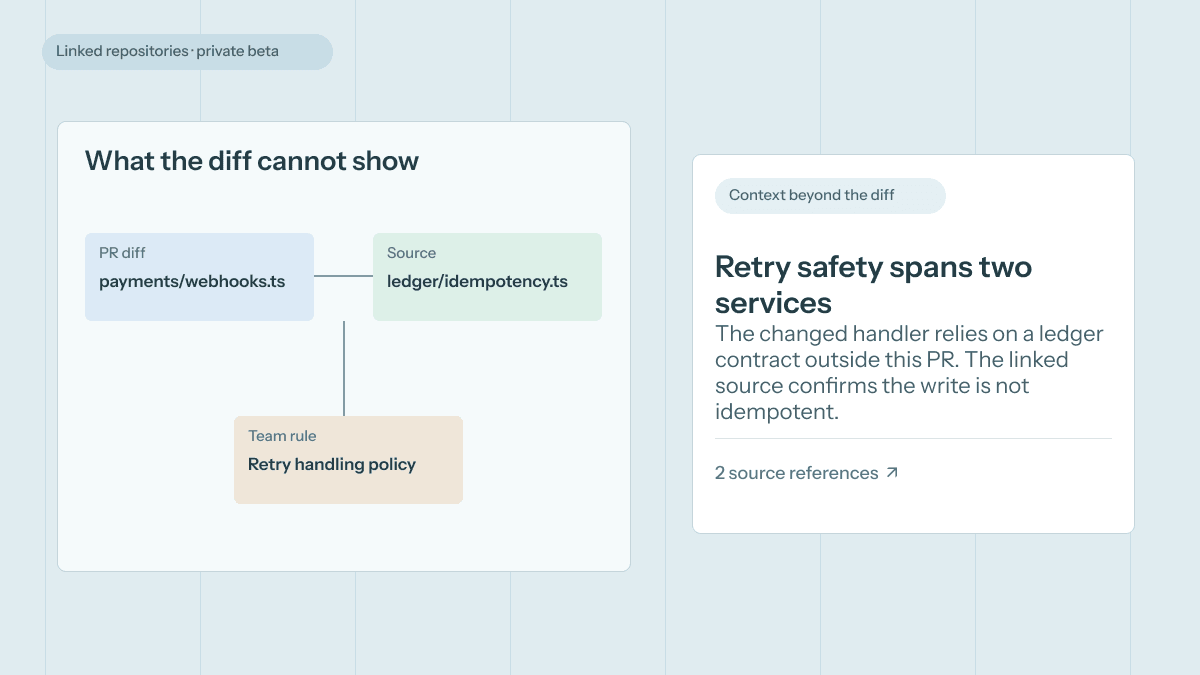
Context beyond the diff
Use team guidance and linked repository context where enabled.
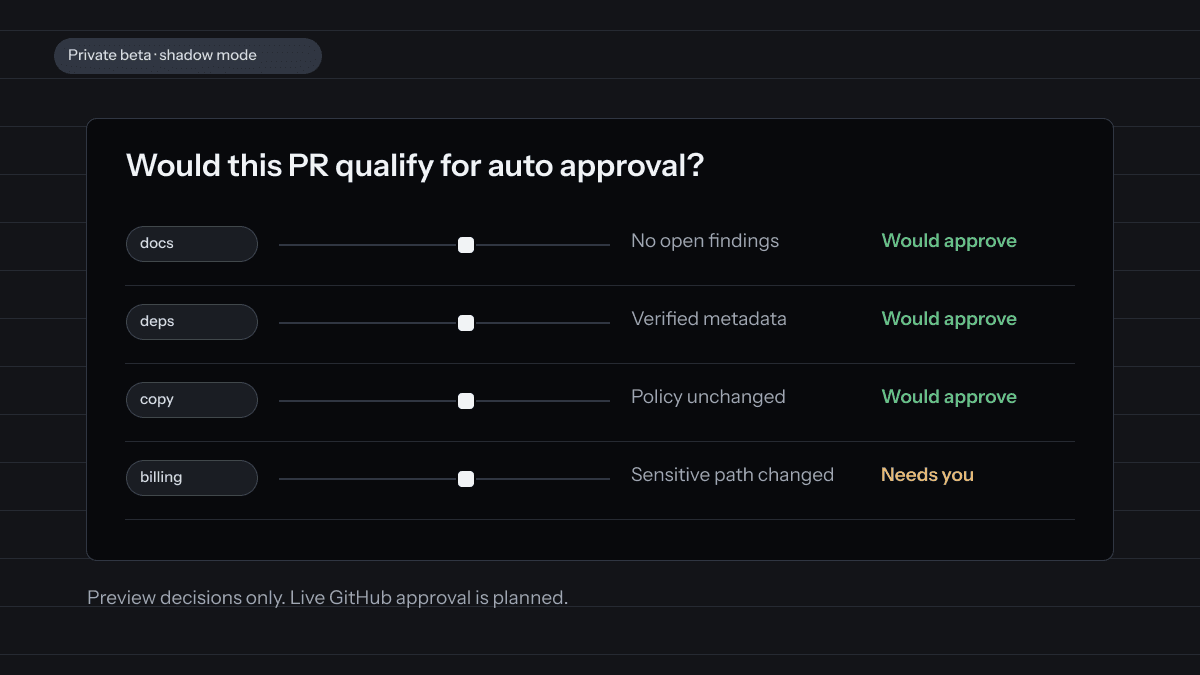
Preview auto approval
See which clean PRs would qualify under your team’s rules.
Review by your team’s playbook.
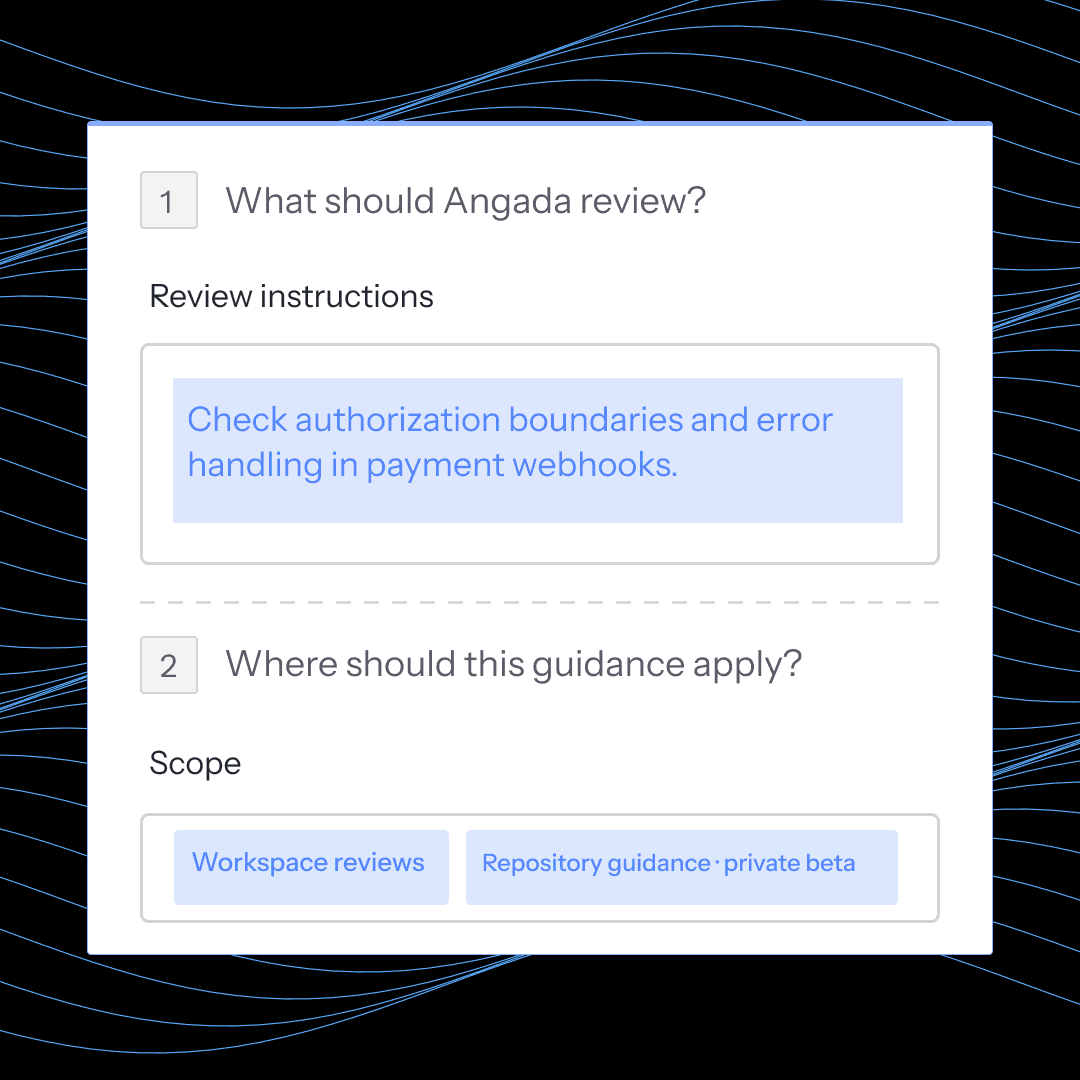
Give Angada the rules, style guidance, and file-specific context your team already uses to review code.
01
Set custom rules
Define the checks and conventions Angada should apply to every pull request.
02
Link your style guide
Point Angada to your team’s style guide so reviews reflect existing standards.
03
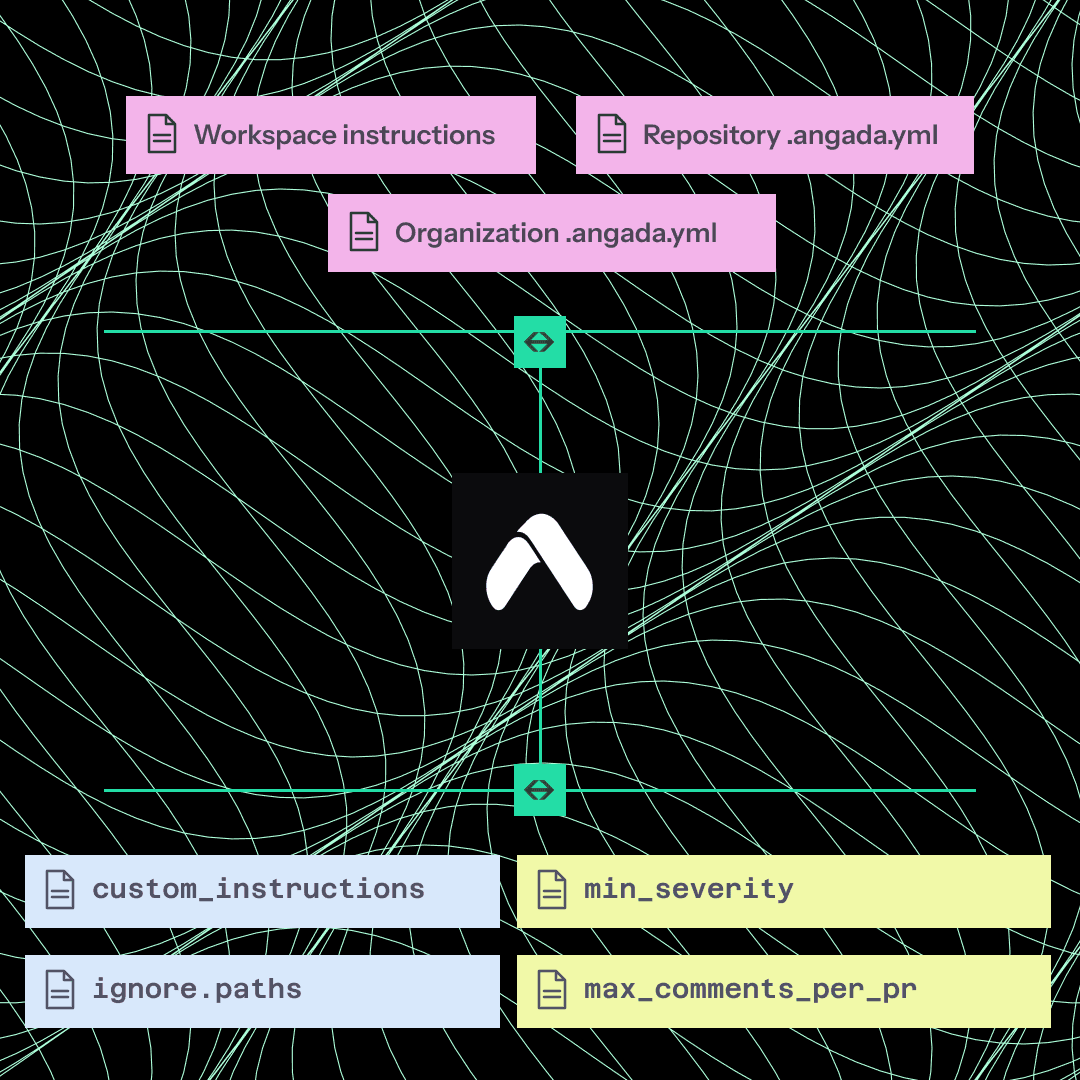
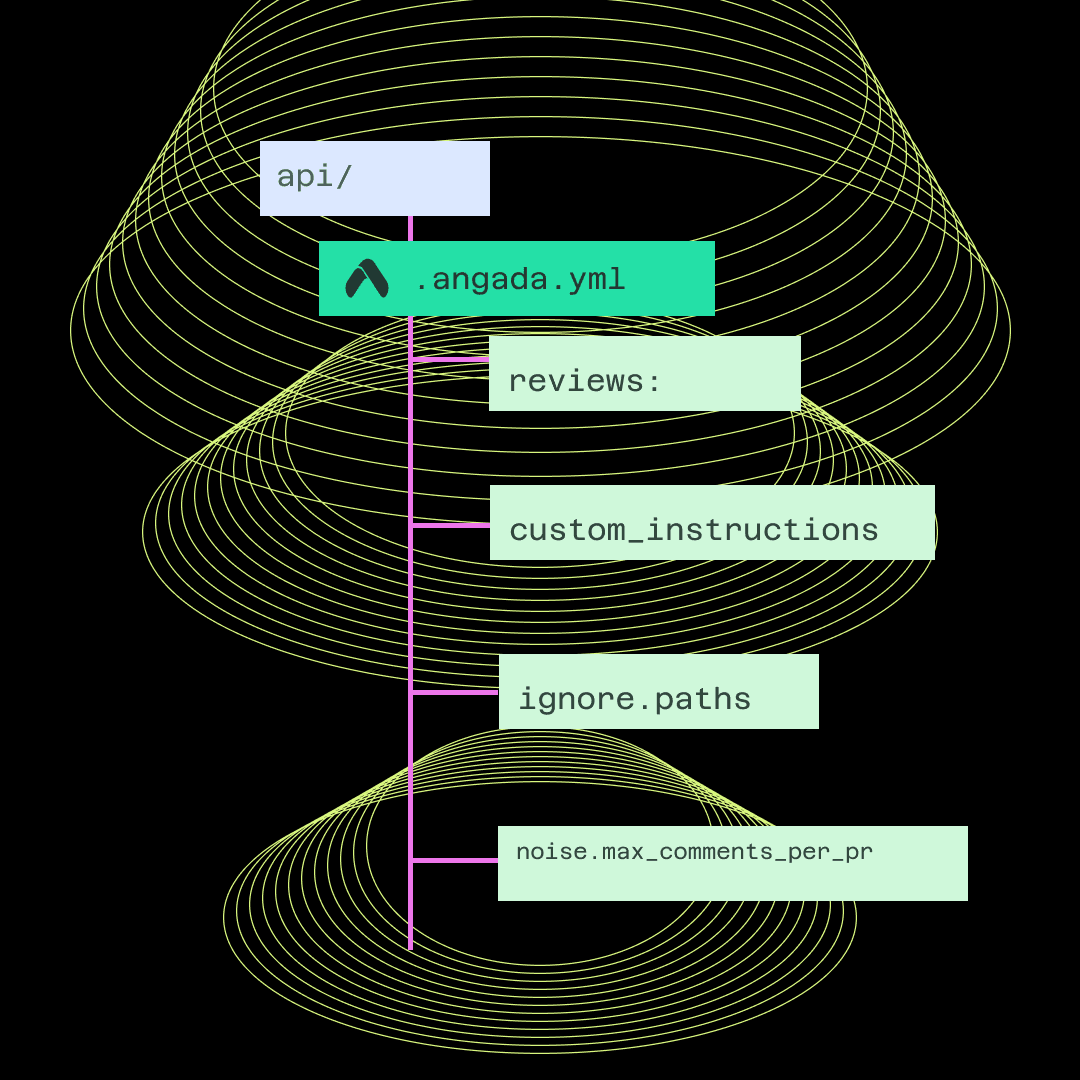
Get granular with .angada.yaml
Scope instructions by path in .angada.yaml for precise, file-level guidance.
Controls
Review when you want it.
Decide when review runs and how loud findings should be before a pull request moves on. Workspace access still depends on the entitlements enabled for that workspace.
Review draft pull requests
Choose whether draft PRs get reviewed before they are marked ready.
Minimum severity
Set a severity threshold so quieter findings stay out of the way until they matter.
Run on demand
Trigger a review manually when the team wants a pass without waiting for the next push.